

Enable trading
What is Enable Trading?
- This is a gas-free signature giving the platform router access only to your Smart Wallet.
During onboarding, you’ll be prompted to “Enable Trading”. This action will trigger a pop-up
in your connected Web3 wallet asking for approval.
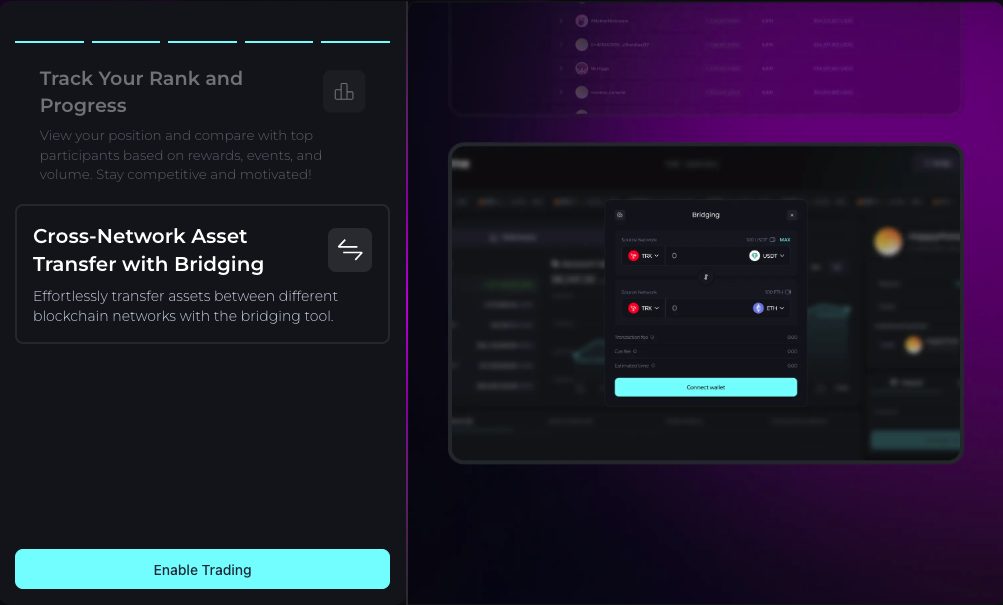
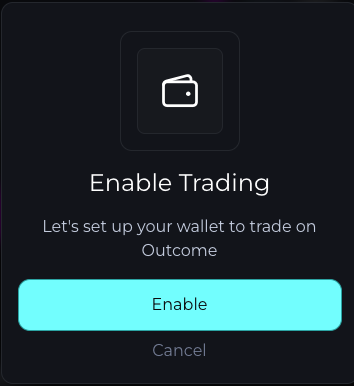
- If you skip this step during onboarding, you won’t be able to place any trades until you “Enable Trading”.
○ You can complete this step later from the trading panel.
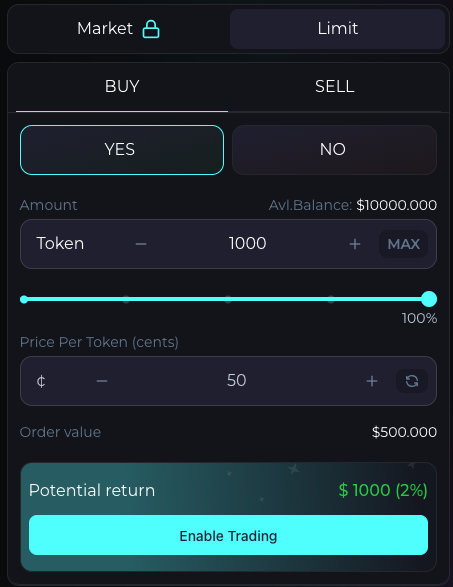

- Enter the number of shares you’d like to buy and click Buy.
- Once confirmed, your order will appear in Positions and be recorded in Trade History.
Market Order
Market Order
- A market order is an order to buy or sell instantly at the best available price in the market. Customisable 20c Slippage guard.
○
This option may be locked if the orderbook is empty, in this case you will be prompted to add
Limit orders instead.
Limit Order
Limit Order
- A limit order is an order to Buy or Sell at a specific price ( 0-99.9¢).